
Understanding contentMode beyond UIImageView (UIKit)


Do you have a confusion whether the view's contentMode property affects layout of subviews of a view or do you think that subviews might be laid out by considering value in contentMode property? - If yes, then this article is for you.
We know that each view(subclassed from UIView) in iOS has the contentMode property.
But the question is, whether this property has an effect on all of those views?
- the answer is - NOT necessarily. If a view has a property
named "contentMode", it is not compulsory that its values must make visible changes
to the view.
-
There are two types of views in UIKit -
- 1. views who have their own drawable content (eg. : UIImageView, UILabel)
- 2. plain container views which have their descendant views as the content (eg. : UIView, UIScrollView)
The views like UIImageView who have their own drawable content, do get affected by the values in contentMode property based on how their draw(:) method is implemented in UIKit. But the plain container views generally have their draw(:) method empty - that means plain container views generally have less or NO effect of values in contentMode.
At this point, you might have noticed an important distinction: the term "content" in contentMode does not refer to a view's subviews. Having subviews and having own drawable content are two different things.
-
There are two different tasks of views:
- 1. drawing own content
- 2. merely managing subviews/descendant views who have their own content
Let's see the difference with an example..
Suppose we have two views in our view hierarchy - the main view of the viewcontroller(in gray color) which is a plain container view, and an imageview (child view of the main view) which holds an image as its content. Initially contentMode of both main view and imageview are set to 'left' as shown below:
view.backgroundColor = .gray
view.contentMode = .left

let imageview = UIImageView(
    frame: CGRect(
        x: 100,
        y: 200,
        width: 200,
        height: 200
    )
)
imageview.backgroundColor = .black
imageview.contentMode = .left
let image = UIImage(named: "Flower")
imageview.image = image

view.addSubview(imageview)
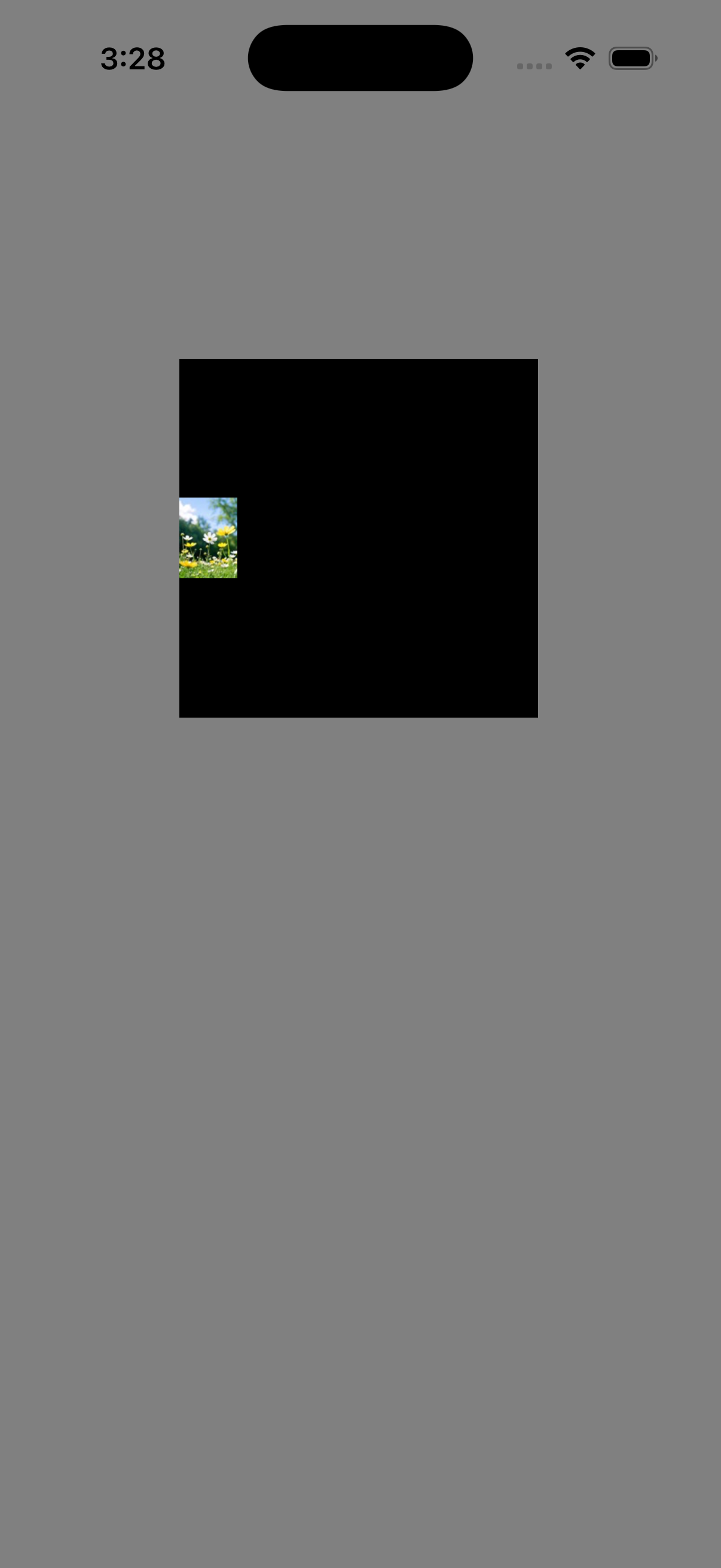
Now let's check by modifying main view's contentMode to "right":
view.contentMode = .right
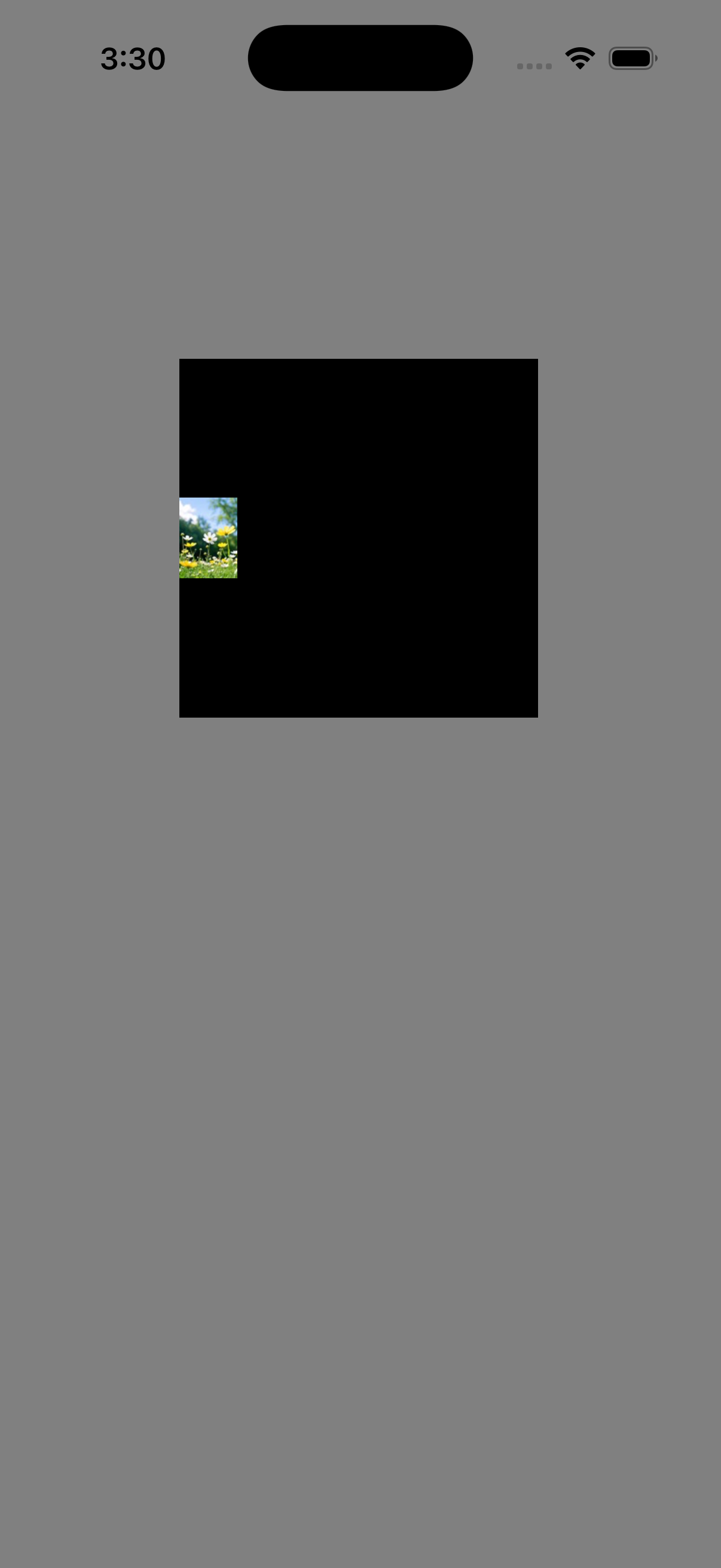
Notice that nothing changed by changing contentMode of the container view.
Now let's check by modifying the imageview's contentMode to "right":
imageview.contentMode = .right
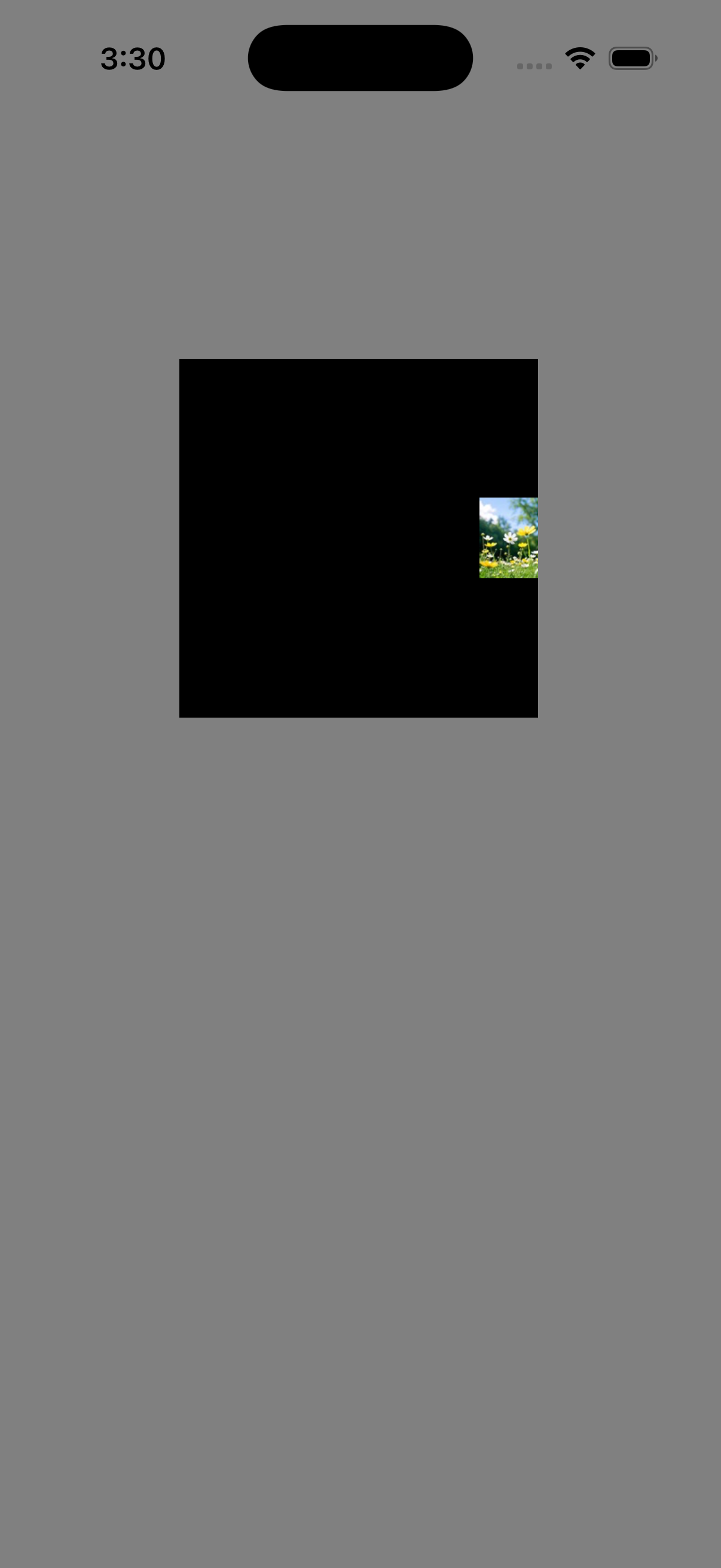
Now, the image shifted to right.
The main container view don't have its own contents; it merely manages the imageview's layout. Also, it does NOT have the privilege to manage the contents of its subview. Hence changing its contentMode didn't make any visible change. The imageview manages its own content (the image), hence changing its contentMode shifted the image to the required position.
Now you might have understood the difference between plain container views and views having their own drawable content.
Now, let's take a closer look at a sentence I said earlier - "The views like UIImageView who have their own drawable content, do get affected by the values in contentMode property based on how their draw(:) method is implemented ."
Let's take two examples: UIImageView and UILabel. Both of them have different implementations of their draw(:) method. Hence it is not compulsory that UILabel will act the same way UIImageView does when its contentMode is changed. Let's do an experiment.
Initially, we have an image view set to its default content mode "scaleToFill", and we are adding a new label view with the default content mode "scaleToFill".
imageview.contentMode = .scaleToFill

let label = UILabel(
    frame: CGRect(
        x: 100,
        y: 500,
        width: 200,
        height: 200
    )
)
label.text = "Hello, World!"
label.backgroundColor = .black
label.textColor = .white
label.contentMode = .scaleToFill
view.addSubview(label)
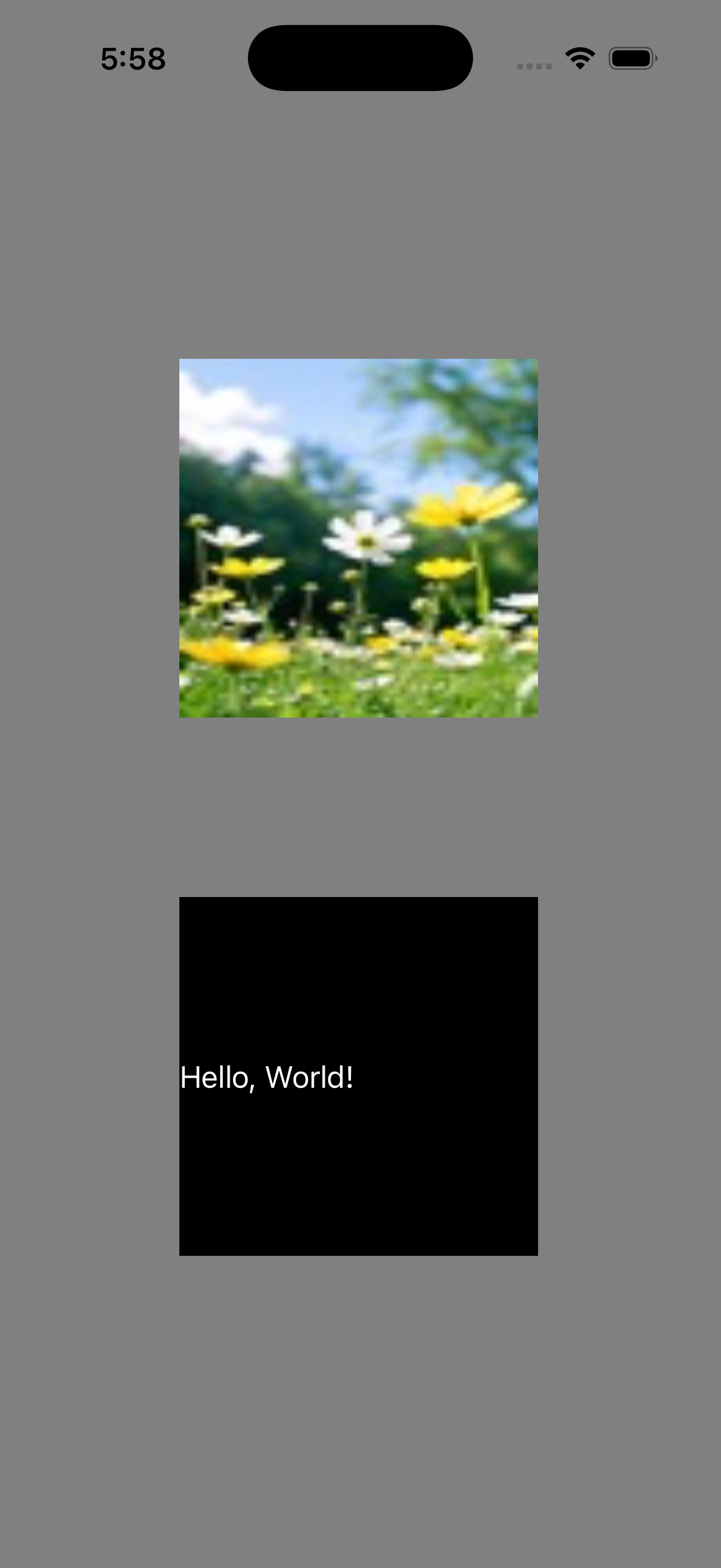
Observe the difference between them, the image have scaled to fill the view, but the text is sticked to the left position.
Again, let's change the contentMode of both of them to "right".
label.contentMode = .right

imageview.contentMode = .right
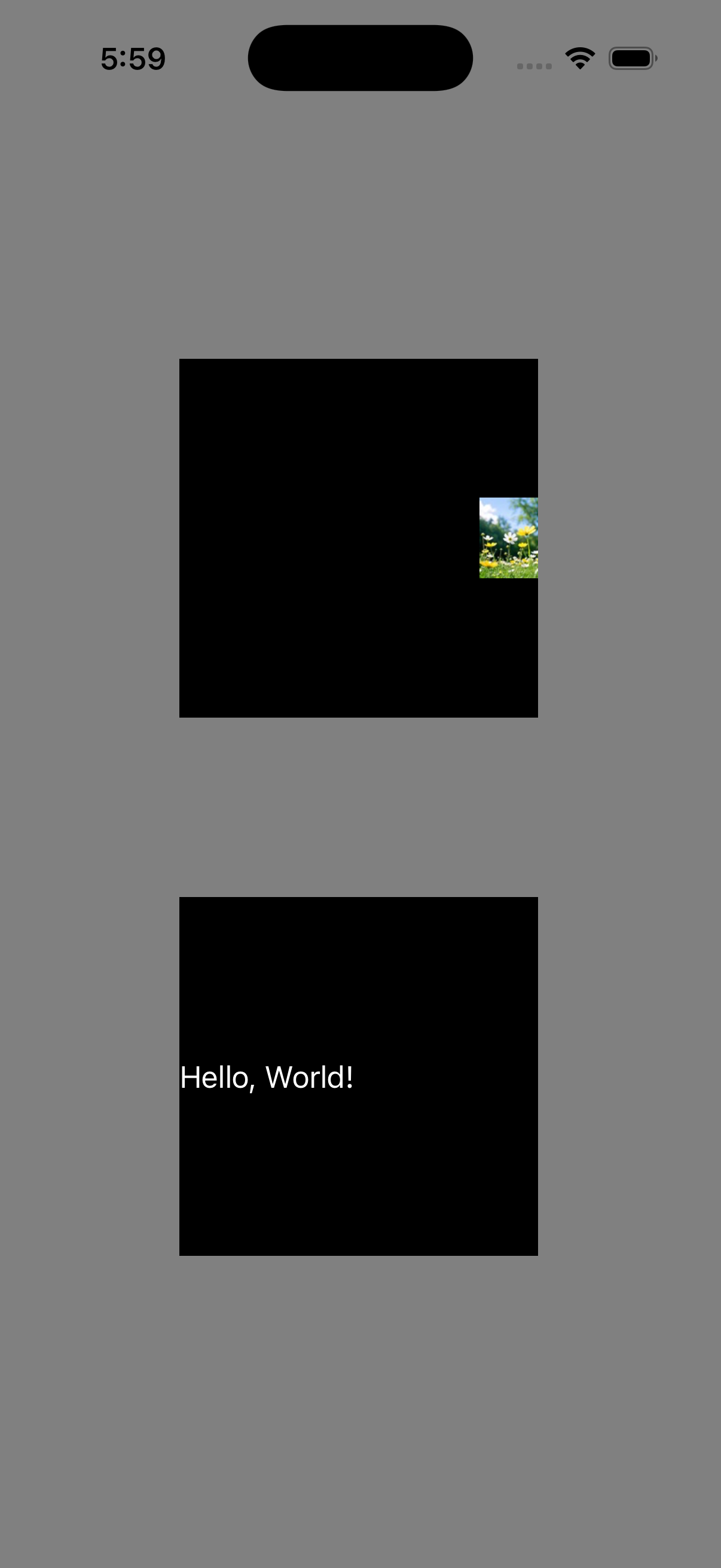
Observe that image has shifted to right, but the text is as is.
What does this behaviour mean? - The usage of contentMode by the label view is different than that by the image view.
How to change position of the text in the label view? - Let's try by using its textAlignment property.
label.textAlignment = .right
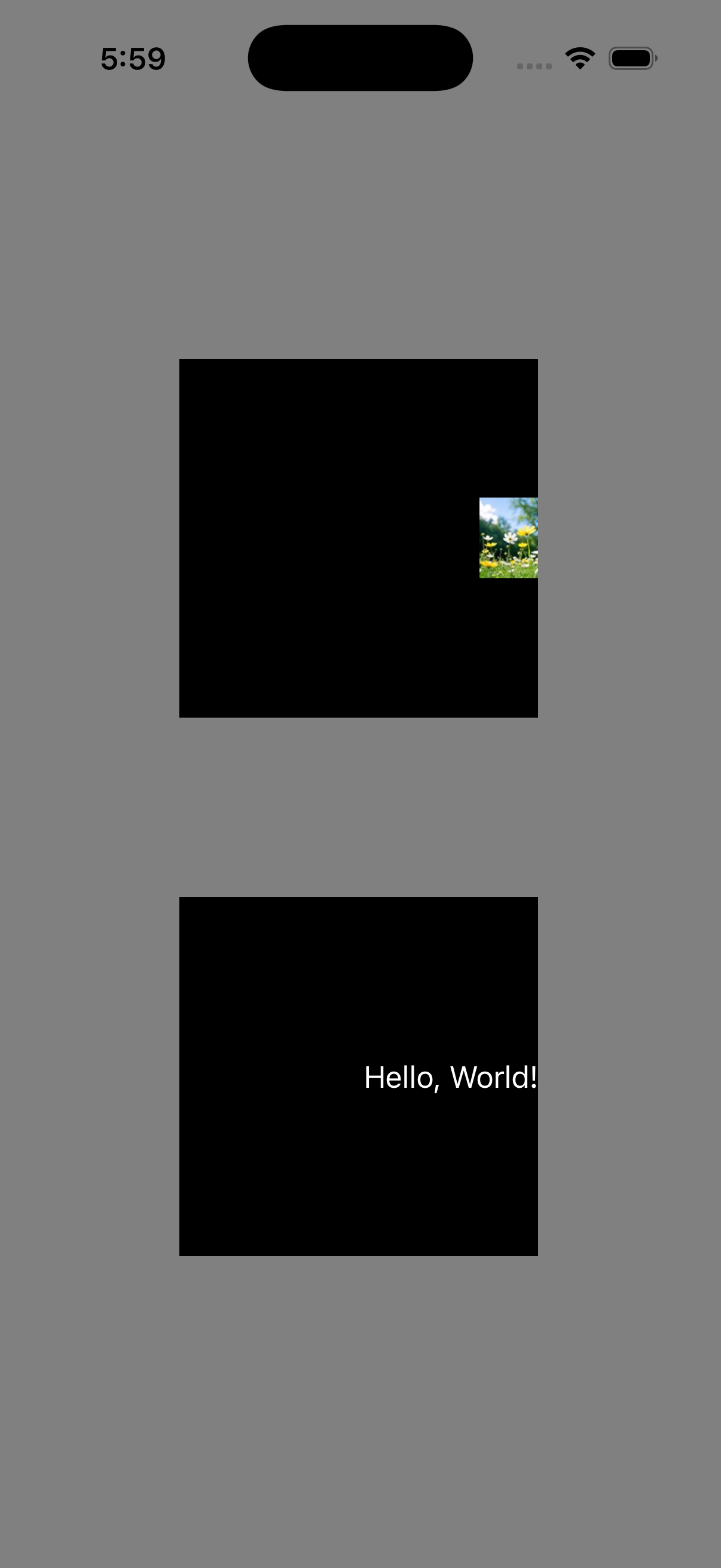
And it worked!
Conclusion - If a view has the contentMode property, it is not necessary that the property affects that view or changes its appearance.
By the way, it is not compulsory that UIKit accesses contentMode in draw(_:) method only. We never know all the places where and how the contentMode is used by UIKit because Apple does not share all the implementation details of UIKit. But in the case of custom views, whose drawing is implemented by you; you are the one who decides where and how to use that property.
Through the experiments in this article, we observed that different UIView subclasses can respond differently to the same contentMode value. Therefore, the behavior of contentMode should always be verified for the specific view you're working with rather than assumed to be universal.
If you have any doubts in this article or want articles on any specific topics in
iOS, feel free to email us using the Contact Us page. We'll try to cover that
in the future articles or will update this article.
Stay tuned for more such articles..